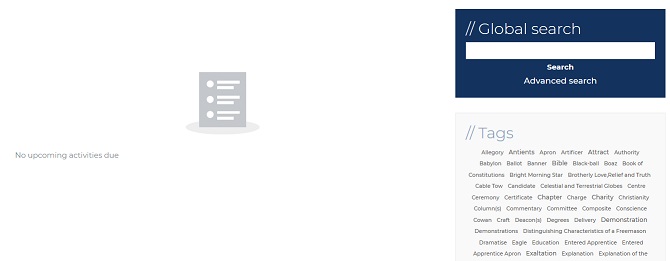
Tags are common themes that connect files together. They are always on the right-hand side of modules. Hovering over the Tag will indicate the numbers of instances. Selecting the Tag will take you to a list of file that have been selected as forming that theme. In addition to browsing in the module using Tags is a useful way of navigating similar themes.
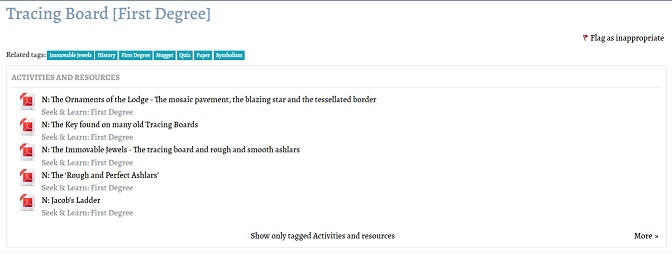
When you select a Tag you will be presented with a screen that looks like the one below:
Notice how related Tags are given along the top of the screen.
If you go to your Dashboard you will be able to see all the Tags for the Modules for which you are enrolled (and not the ones you are not enrolled on to prevent a 'plot spoiler'. You can select any of these and the Tag will return the common themes of all the Tags on which you are enrolled.